





Featured Content
Check Out Our Latest Updates
Interactive Demo
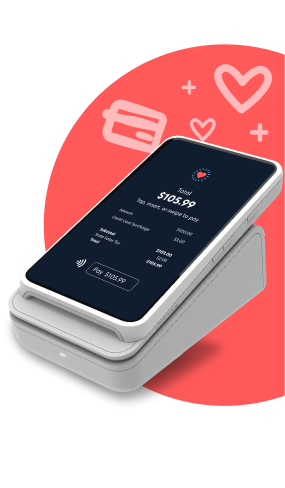
Test drive Scratch Checkout with our 2-minute interactive demo. No sign up required.










Thank you! Your submission has been received!
Oops! Something went wrong while submitting the form.

We believe patients deserve access to affordable care.
As the leader in payment processing and financing for veterinary practices across the U.S. and Canada, we’re creating products and services that simplify and add delight to patient and practice experiences.
FOLLOW US


GET THE APP


SITEMAP
If you are using a screen reader and are having difficulty using this website, please call 855-727-2395.
Scratch Pay plans in the U.S. are issued by WebBank. Scratch Pay plans in the U.S. are subject to eligibility and may not be available in all states.
In Canada, loans are issued by Scratch Financial, Inc.
Scratch Financial, Inc. DBA Scratchpay (NMLS ID 1582666).
© 2026 Scratch Financial, Inc. All Rights Reserved.
Scratch, Scratch Pay, Scratchpay, Scratch Checkout, and the Heart Logo are trademarks of Scratch Financial, Inc.